
Known outcome
Begin after the natural 1 or natural 20 is rolled.
The outcome is known. Make the moment memorable.
Bring an already-rolled natural 1 or natural 20 to life. Connect the cause, action and witness response while keeping the decided result and rules intact.
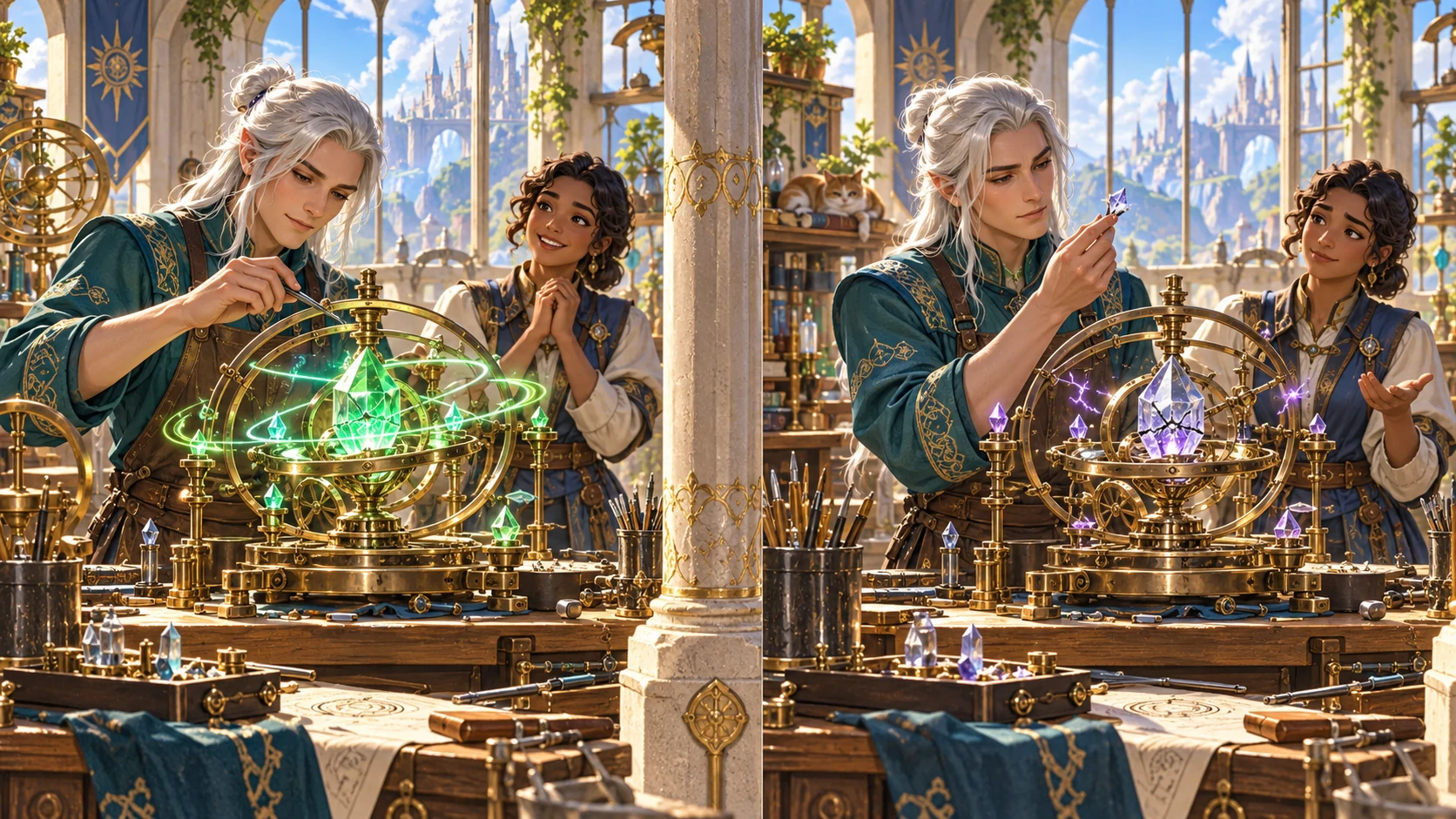
The roll is decided. The story can still shine.
Connect the cause, action and witness response.
Begin after the natural 1 or natural 20 is rolled.
Explain pressure, precision, timing or fortune.
Prepare a moment the table can picture.
Offer a consequence or follow-on hook.
Shape the few seconds around the extreme roll
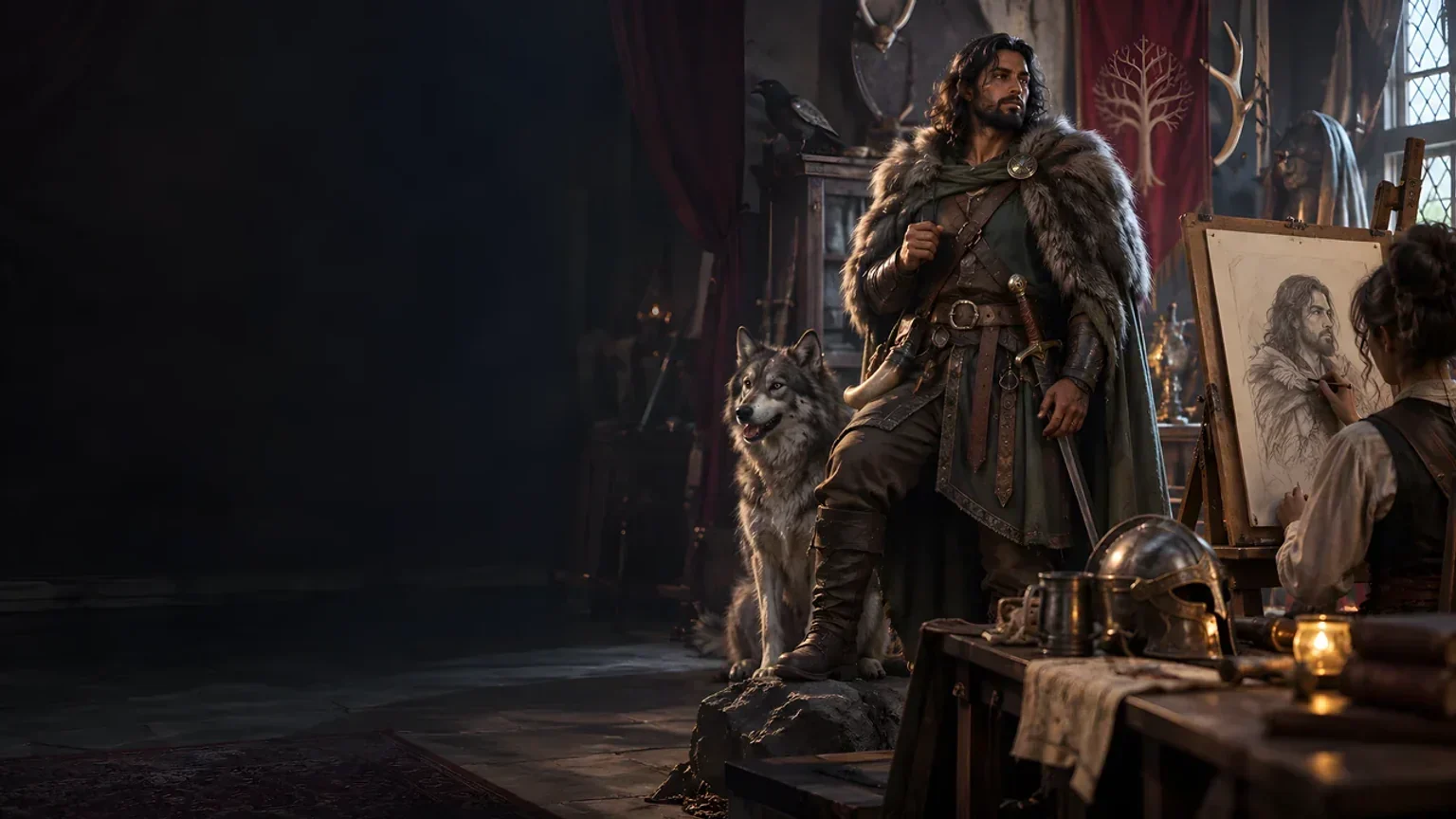
The illustration represents fantasy table narration, not an application screenshot.
Set the attempted action, known natural 1 or 20 and tone.
Add competence, context, location, witnesses and stakes.
From the decided roll to a read-aloud moment
Keep the table’s outcome and rules intact.
Say what the character attempted.
Select the already-rolled natural 1 or 20.
Add tone, competence, place and witnesses.
Use or trim the narration for your table.
The extreme-roll narration workspace
Prepare a table-ready moment around the already-known result.
Narrate an already-rolled natural 1 or natural 20.
Keep skilled characters competent through success and setbacks.
Describe what happened and why it happened.
Show what others notice and how they respond.
Prepare immediate consequences and optional later references.
Lock useful sections, reroll details and edit with undo and redo.
Return to recent results during the current desktop session.
Review and share sections, full narration or a player-facing retelling.
Quick narration and deeper scene context
Shape the few seconds around an already-known result.
Use attempted action, extreme roll and tone.
Keep the character’s experience in view.
Set witnesses, visibility and relationships.
Choose consequences and callback potential.
Refine the moment in your desktop session
Keep useful narration while changing selected details.
Retain the details that fit.
Revise individual parts of the moment.
Refine the written narration.
Export anything to keep beyond the session.
A table moment with a clear cause and next step
Review the read-aloud moment and why it happened.
Add witness reactions, a consequence and optional later hook.
Select and review the full narration or player-facing retelling.
Narration around the table’s decision
Prepare a memorable moment without changing the rules.
No replacement success or critical decision.
The Dungeon Master chooses whether to use it.
A setback need not make a skilled person a joke.
No Combat Pro mechanics or encounter transfer.
Generator access and pricing
Choose access for this selected generator or an eligible pack.
Review current standalone access and pricing.
Check whether a current pack includes this generator.
Use your account to review premium product access.
Create a free VISINVOKE account; premium access remains separate.
VISINVOKE means value
Connect a known outcome to a vivid scene without pausing play.

Keep the table’s result intact.
Explain success or a setback in context.
Show what others notice.
Refine recent results; export to keep them.
Explore your VISINVOKE workspace
Each card opens its own product website. Review purpose and access separately; related products do not promise included access or automatic synchronisation.

Open your VISINVOKE desktop products.
Prepare a live exchange after an established social mistake.

Build the wider setting around your campaign.

Develop the places your party travels through.

Explore separate adventure environments.
Explore separate fantasy image creation.
Product artwork is illustrative, not application screens or actual generated image output.
Quick answers
Understand the decided outcome, scene detail, session history and sharing.
Turn a natural 1 or natural 20 that has already been rolled into a vivid, table-ready moment. Describe what happens and why, what others see, witness reactions, immediate consequences, optional mechanical effects, callback potential and a follow-on hook. The decided outcome and rules stay intact.
The narrator begins once the outcome is known. It does not decide whether the action succeeds, replace a critical table, add automatic damage or rewards, or quietly change the rules. The Dungeon Master decides whether to use any optional rule effect. Skilled characters remain capable when pressure, opposition, timing, environment or cost causes a setback.
Describe the attempted action, choose natural 1 or natural 20 and set the tone. Add action type, character competence, immediate context, location, witnesses, audience, stakes and relationships. Set who can see the moment, how witnesses know the character, consequence strength, optional rule effects and potential for later references.
Lock useful sections, reroll selected details and edit the narration with undo and redo. Return to recent results during the current desktop session. Copy or export anything you want to keep beyond the session; results are not saved as account or campaign records.
Copy individual sections, the complete Dungeon Master version or the player-facing retelling, download the result as JSON, or print the finished moment. Review the selected audience material before sharing. This standalone narration tool does not transfer critical effects, damage, conditions, encounter state or newly invented mechanics into Combat Pro.
Create a free VISINVOKE account and review current access and pricing for this selected generator or an eligible pack. Premium access is separate from the free account. Use your account installer page for Desktop Command Centre, then open Natural 1 / Natural 20 Narrator from the Generators collection in its desktop workspace.
Continue in VISINVOKE
Create a free VISINVOKE account and review current generator access.
Use your account installer page for Desktop Command Centre.
Open Natural 1 / Natural 20 Narrator from the Generators collection.